
Step 9
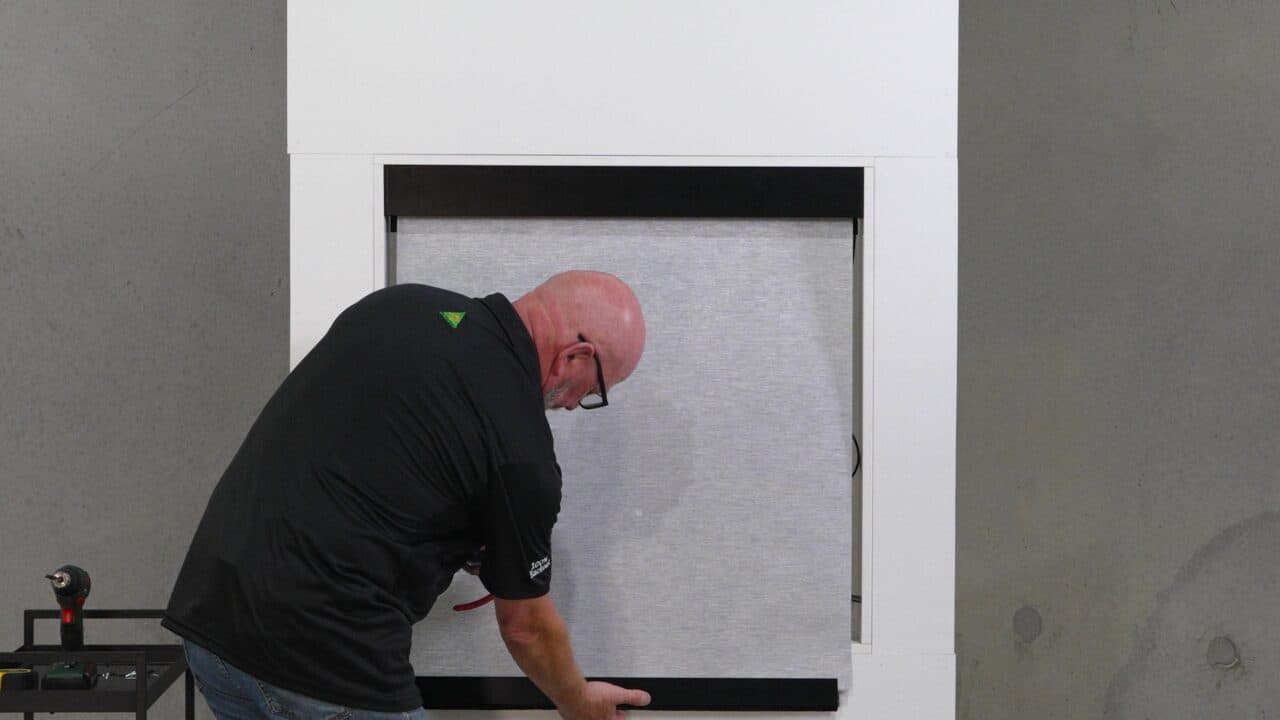
Set the top limit
Video guideWatch the full walkthrough
- Set a top limit first — it doesn't have to be the final position, you're just locking one in so you can work.
- You'll fine-tune the top later, once the roll is straight.
Recommended troubleshootingCommon questions for this step
How do I actually set the limits?
With the remote's setting hole and a paperclip — the exact button sequence is in the Remote & Motor Pairing section. This step is about the order, not the buttons.