
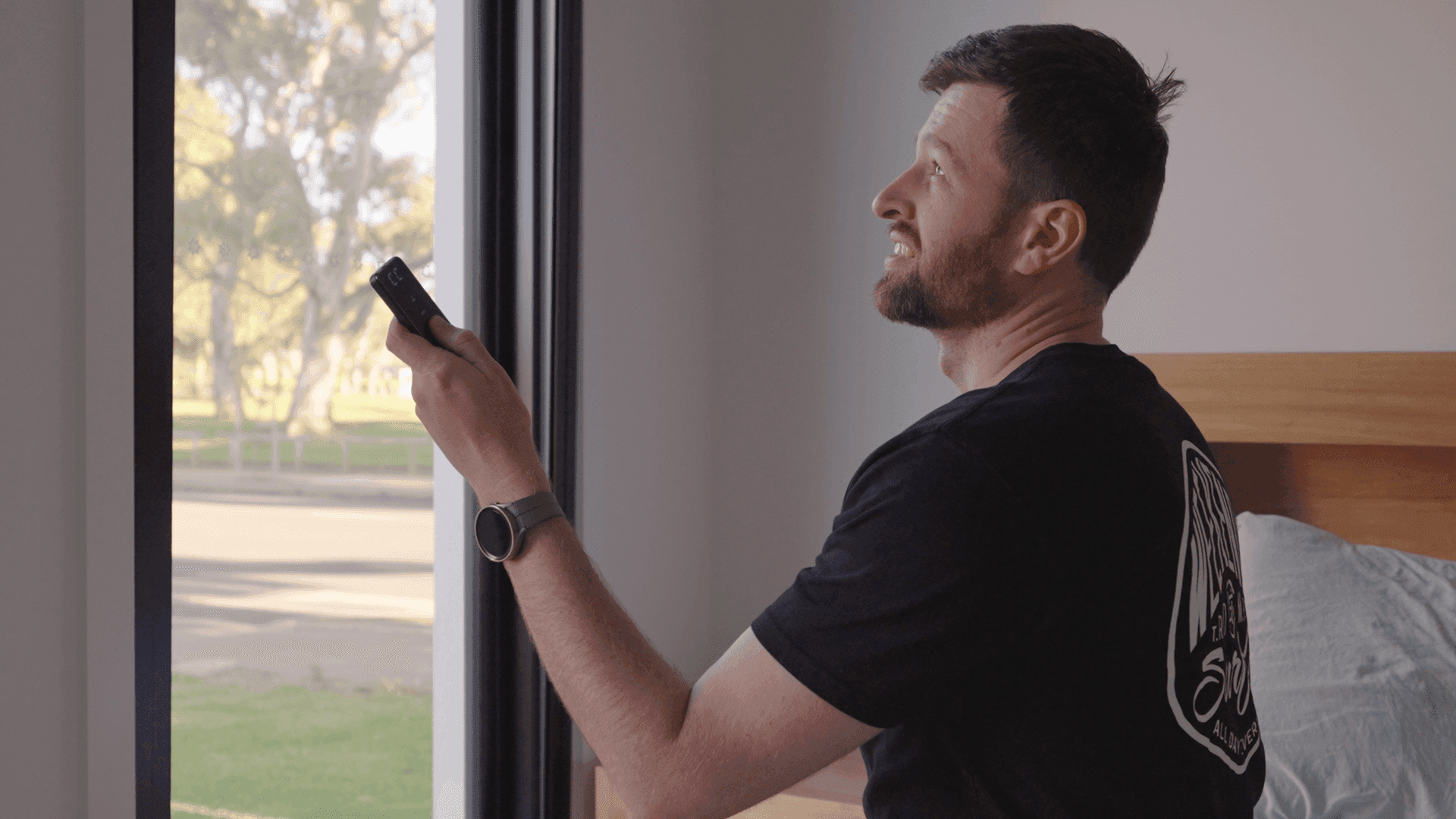
Included with every motorised blind
One remote, every blind.
Every motorised blackout blind ships with a 16-channel remote. Pair one channel to one blind, or group multiple blinds onto a single channel for a whole-room close. 30-metre range, 433.92 MHz radio — no line-of-sight needed.
One remote required per order · extra remotes +$48 each when added to a blind order · inc GST

- 100% blackoutEvery edge sealed dark
- Child-safe cordlessNo cords, no chains
- Smart-home compatibleGoogle, Alexa, Amazon Home
- Money-back guaranteeOrder with confidence
What 16 channels gets you
One channel per blind isn't enough. One blind per channel isn't either.
- Single-blind room: assign one blind to one channel.
- Multi-window room: group multiple blinds onto one channel so they move together.
- Whole-house: dedicate a channel as "everything down" — one button, all blinds.
- Partner schedules: pair separate remotes per side of the bed, each with their own channel layout.
- Spares: keep one in the bedroom, one in the lounge — multiple remotes per blind is fine.
Pairing + setup
Set the remote up in four steps.
Pair before mounting if you can — fiddling with a motor at ceiling height is harder than pairing on the bench.
Motor charged. Blind within reach. Follow the install guide.
Remote specs
The numbers.
Verified spec for the standard 16-channel remote required with every motorised blackout blind order.
Function
- Channels
- 16
- Frequency
- 433.92 MHz radio
- Range
- 30 m line-of-sight
- Pairing
- Multiple blinds per channel; multiple remotes per blind
Inclusions
- Included with motorised blind
- Yes — one per blind
- Spare remotes
- Available — contact head office
- Whole-home use
- Standard — one remote covers up to 16 channels
- Battery type
- Standard household — confirm at unboxing
Compatibility
- Works with
- MAB motorised blackout blinds (single + dual)
- Smart home overlap
- Coexists with SmartHub app + voice control
- Re-pairing required after install?
- No — keeps pairing through hub setup
Daily use
One button. Whole room.
Customers running the remote daily
What it feels like to use.
“Very easy to install and they look amazing. We have just ordered more for our other bedrooms. A++”
“John and Luke were quick with the install, they had a small challenge with our window frame but it was easily overcome. We would highly recommend MAB for service and quality. Best product to turn day into night.”
“Converting my existing blinds to motorised ones was incredibly easy. The rail quality is excellent, and everything works perfectly — no light coming through at all.”
“Easy install, quick delivery and awesome customer service. Nothing too much trouble. Highly recommend this product and company.”
Common remote questions
Six things people ask about the remote.
- A 16-channel remote isn't bundled in free — every motorised order needs one, and one remote runs up to 16 blinds. Additional remotes for second locations in the home can be ordered as spares.
- Up to 30 metres in line-of-sight. Walls and floors reduce that. The remote uses 433.92 MHz radio, so it doesn't need to be pointed at the blind — radio works around corners better than infrared.
- Each of the 16 channels can be assigned to one blind or a group of blinds. Channel 1 might be your master bedroom, channel 2 your kid's room, channel 16 a whole-house "everything down". You choose the layout.
- Yes. The remote always works. Adding the SmartHub accessory adds app and voice control on top — both methods coexist. The blinds respond to whichever you use.
- Yes. Contact head office on 08 8359 5935 for replacements and additional remotes. They can be paired to your existing blinds without re-pairing the motors.
- The remote uses standard household batteries (type confirmed against your specific unit). For typical residential use, the battery lasts a long time between swaps. If button presses no longer move the blind and you've confirmed the motor is charged, swap the remote battery first.
Next step
Need app + voice on top of the remote?
The 16-channel remote handles everyday operation. If you want app control or voice control through Google, Alexa or Amazon Home setups, the SmartHub accessory adds that layer.