
SMART HOME
SmartHub setup
Your RF SmartHub connects your blind to the free Smart Life app. Set it up once, then control your blind and set schedules from your phone.
Watch John set up the RF SmartHub and pair a blind, then follow the written steps below.
Step by step
How it works
- 01
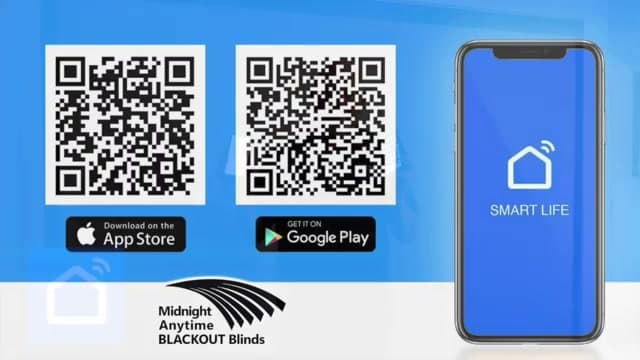
Download the Smart Life app
The RF SmartHub runs on the free Smart Life app — available for iPhone and Android. Download it before you start.
- 02
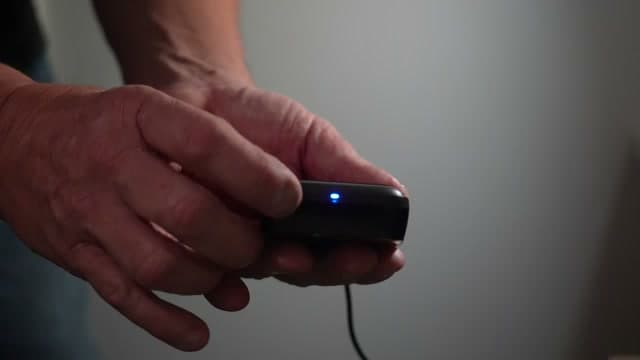
Power up the hub
Plug the hub into power with the supplied USB cable. The light glows solid blue when it's on.
- 03
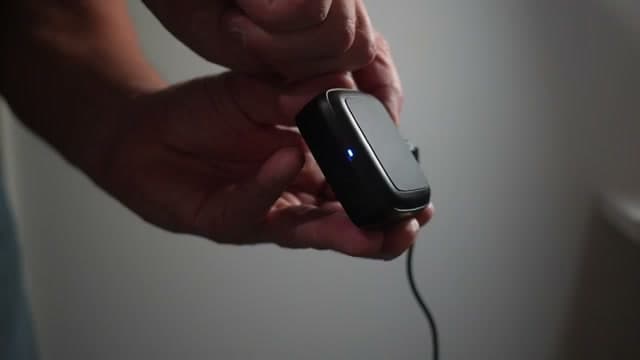
Put the hub into pairing mode
Press the small program button on the back of the hub until the light starts flashing. A fast flash means it's in pairing mode.
- 04
Add the hub in Smart Life
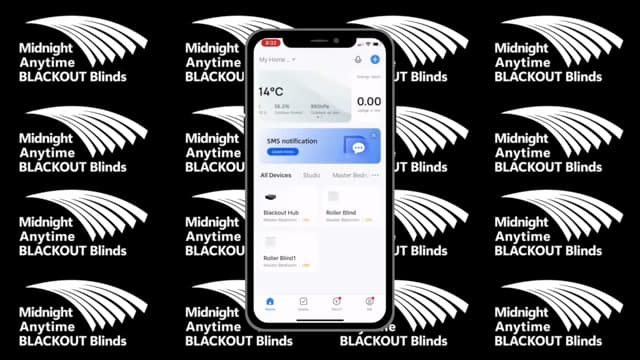
In the app, tap Add Device and follow the prompts. Enter your Wi-Fi network and password when asked, then give it a minute — connecting can take a few minutes, so be patient. Name the hub whatever you like (we called ours "Blackout Hub") and it'll appear on your home screen.
- 05
Pair a blind to the hub
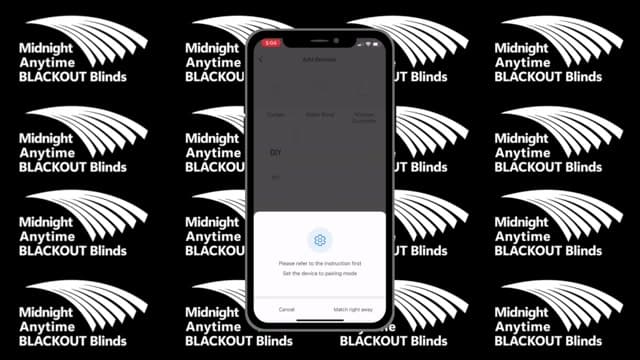
Open your hub in Smart Life and tap the radio-frequency (RF) remote box, then Add, then Roller Blind. On the remote, press and hold the Stop button until the blind jiggles, then tap Match straight away. When the blind responds, tap Responding and save the remote — that's your first blind paired.
- 06
Assign the blind to a room
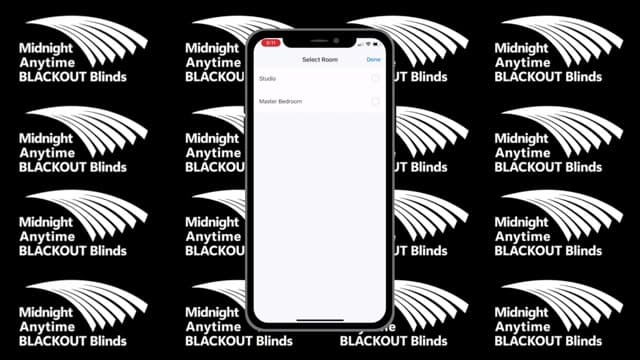
Press and hold the blind's icon until it wiggles, tap the Change Room icon at the bottom, choose the room (for example, Master Bedroom), and tap Done.
Common questions
- The SmartHub connects on 2.4GHz Wi-Fi. Many routers broadcast 2.4GHz and 5GHz under the same network name — if the hub won't connect, temporarily turn off the 5GHz band (or use a 2.4GHz-only guest network) during setup, then try again.
- Timing matters. Press and hold the remote's Stop button until the blind jiggles, then tap Match in the app straight away — right after the jiggle. If it doesn't take, re-open the RF remote box and run Add → Roller Blind again.
- Schedules are set in the Smart Life app: open the blind, add a schedule with your open and close times, and save. The remote still controls the blind directly whenever you want to override it.
- Yes, on compatible setups. Once your blinds are set up in the Smart Life app, you can link Smart Life to Google Home or Amazon Alexa to control them by voice — "open the bedroom blind" and so on. Voice compatibility depends on your speaker or hub, so if a specific platform matters to you, call DIY support on 08 8359 5935 and we'll confirm your setup.
More help
Need a hand with something else?
Browse the rest of the help centre, or call the DIY support team — bring your order number and a photo if you have one.
DIY support: 08 8359 5935.